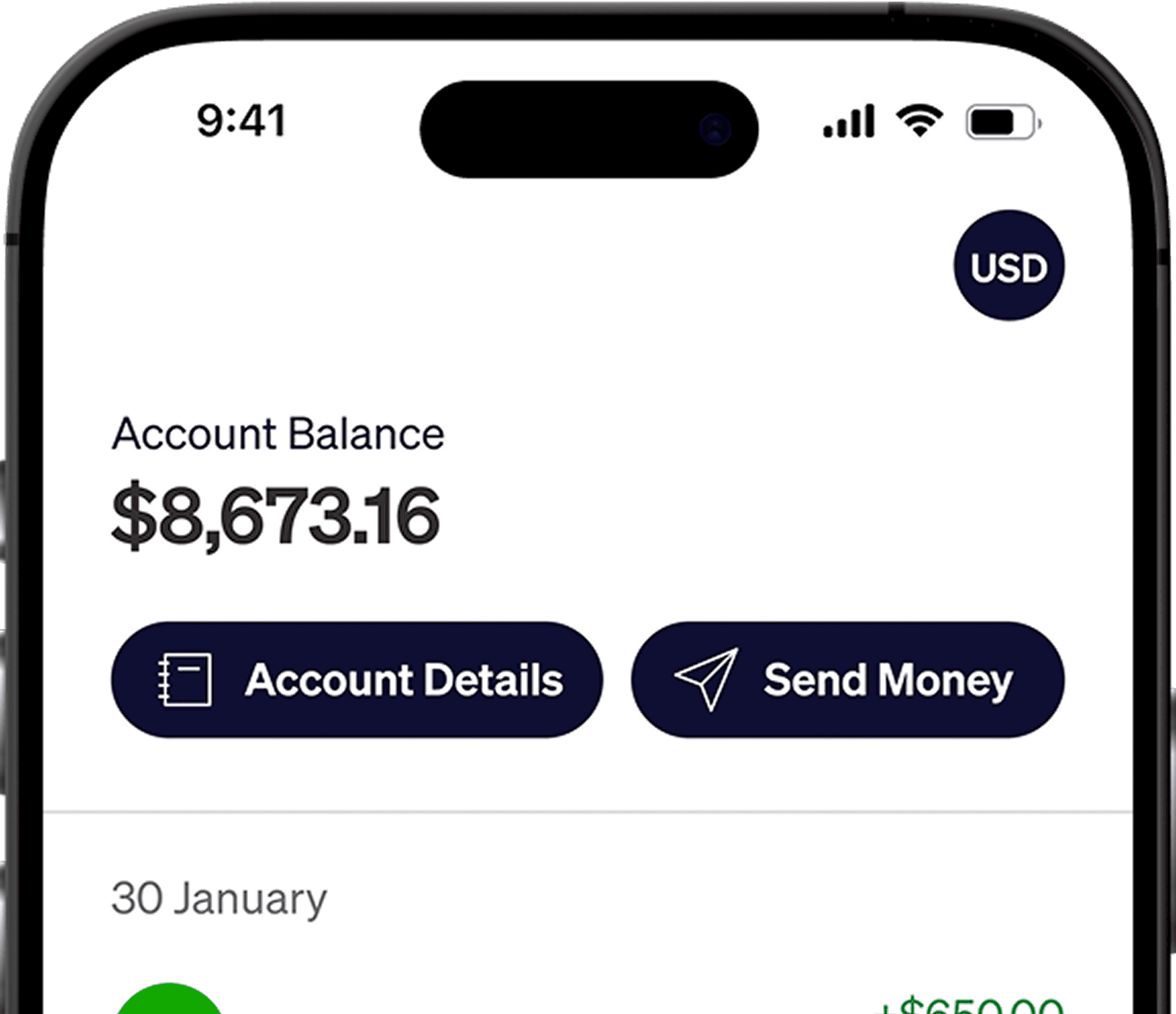

Add your Elevate Pay USD account in Toptal's Pay Portal to receive dollars before converting. Receiving ACH is free. Fees and examples in this guide are for the Philippines.
To compare Toptal with other platforms Filipino freelancers use, see our complete guide on how Filipino freelancers get paid.
Compare the full payout cost
Most withdrawal costs fall into two categories:
Flat fees, a fixed amount per transfer regardless of size.
Percentage costs, including exchange rate markups, which grow with every dollar you move.
Example: A 2% charge grows with the payment amount, while a $1.50 flat fee stays the same. This table compares those fees before any platform charges or exchange-rate differences.
Monthly payment | Example 2% charge | Flat fee only |
|---|---|---|
$1,000 | $20 | $1.50 |
$3,000 | $60 | $1.50 |
$6,000 | $120 | $1.50 |
$10,000 | $200 | $1.50 |
Compare the final PHP amount as well as the fee. A lower listed charge can be offset by a less favorable exchange rate.
Toptal withdrawal options
Toptal uses a Pay Portal for talent payments. Open it through your Toptal account and follow any activation instructions sent to your email.
Wire transfer: If your Pay Portal offers an international wire to your bank, compare all of these potential costs:
A sending fee charged by the platform or its payment provider.
Intermediary bank fees, deducted by banks that route the payment between countries. These are hard to predict in advance.
Receiving bank fees, which some Philippine banks charge on incoming international transfers.
A conversion margin, if your bank converts USD to pesos on arrival.
Compare the amount sent with the amount credited and ask your bank to identify any deducted charges.
Payoneer: If offered in your Pay Portal, receive the balance in Payoneer and then choose a bank withdrawal or GCash cash-in. Include the conversion and account charges in your comparison.
USD bank transfer to Elevate Pay: Choose Bank Transfer in the Pay Portal and add the US account and routing details from Elevate Pay. The Toptal payment route uses ACH.
Withdrawal fees, currency and timing
The Pay Portal displays Toptal's fee and expected arrival for each method. Include the receiving-provider costs below when comparing routes.
Method | Costs outside the platform | Currency | Timing |
|---|---|---|---|
Wire transfer to a Philippine bank | Intermediary bank fees, receiving bank fees and bank conversion margin | USD or PHP, depending on the receiving bank | Pay Portal estimate plus any bank processing |
Payoneer | Provider charges and conversion quote for the chosen payout | Supported Payoneer balance currency | Pay Portal and Payoneer estimates |
USD bank transfer to Elevate Pay | Free to receive by ACH. A flat $1.50 fee to send PHP | USD on receipt. PHP only when you convert | Pay Portal ACH estimate. Separate estimate for a PHP payout |
In the Philippines, Elevate Pay charges a flat $1.50 fee to send pesos. The app shows the final amount and delivery time before you send.
Elevate Pay receives ACH transfers. Choose the ACH bank-transfer route, not a wire.
Add Elevate Pay to your Toptal Pay Portal
Step 1: Open a free Elevate Pay account
Open and verify your Elevate Pay account before adding receiving details. Follow the Philippines account-opening guide.
Step 2: Open the Pay Portal in Toptal
Sign in to Toptal and open Transfer to reach your Pay Portal. If you need access, follow the activation email or ask Toptal support to resend it.
Step 3: Add a new transfer method
Select Add New Transfer Method, choose USD and select Bank Transfer.
Step 4: Enter your Elevate Pay details
In the Elevate Pay app, tap Account Details and copy your account number, ACH routing number and account holder name. Paste them into the Toptal form, entering the name exactly as it appears on your verified accounts.
Step 5: Save and confirm
Save the bank details and complete the activation steps sent to your email. Keep the account holder name consistent across both services.
Step 6: Transfer your Toptal earnings
In the Pay Portal, select Transfer to Bank, choose Elevate Pay and enter the amount. Review the fee and arrival date, then submit. Once the USD arrives, you can send pesos from the Elevate Pay app. Contact Elevate Pay support in the app for help tracing an incoming payment.
Elevate Pay is a fintech company, not a bank. Banking services are provided by Merchants Commercial Bank, Member FDIC.
Manage larger payments
Convert enough for upcoming PHP expenses. You can split conversions across the month, but exchange rates can move against you as well as in your favor.
If you pay for software, courses or equipment priced in dollars, keeping part of your income in USD avoids converting it twice.
Check the final PHP amount against a market-reference calculation for the same starting USD balance and time.
Keep the transaction reference and expected arrival date so support can trace a delayed payment.
Use the same legal name across Toptal, your receiving account and your identity documents. Consistent names help payments clear without extra verification.
Save your Toptal payment records and transfer confirmations. They are useful for your own bookkeeping and when declaring your income.
Frequently asked questions
Can I receive Toptal payments in USD in the Philippines?
Yes. The USD bank-transfer route to Elevate Pay lets you receive dollars and convert later. Use the account details from your app and the Bank Transfer setup above.
Check your Pay Portal
Add the bank method before your next payout and keep the transfer confirmation. For more platform guides, see how to withdraw money from Upwork and how to withdraw PeoplePerHour earnings.


Recent Articles






DO MORE WITH ELEVATE PAY
Transfer money with Elevate Pay with low fees and competitive FX rates. Our users love us for transparency, security and more.